

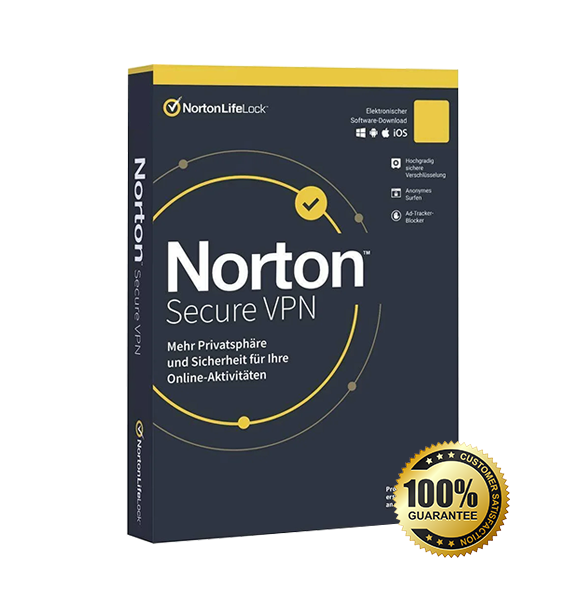
Norton Secure VPN provides secure and private browsing by encrypting your internet connection. It includes fast global servers, IP address masking, and online privacy protection to keep your data safe on any network.
Norton Secure VPN helps you protect your connection on Windows, macOS, Android, and iOS. It is ideal for home users, remote workers, travelers, and anyone who wants more privacy online.
Overview of Norton Secure VPN
Platform: Windows, macOS, Android, iOS, selected smart TV platforms
Edition: Norton Secure VPN
License Type: Retail
Devices: 1 Device / 5 Devices / 10 Devices
License Duration: 1 year
Activation Method: Online activation
Delivery: Fast digital delivery via email
Support: Email and remote assistance
Language Support: Multi-language
New Split Tunneling Choose to secure and anonymize sensitive data without losing access to local services. Windows and Android only. New Kill Switch automatically disconnect from the Internet if the VPN connection is lost in order to ensure your privacy. Windows and Android only.
Key Features
Choose which traffic you want to encrypt, like online banking or accessing sensitive healthcare data. Secure your sensitive activity, while letting other apps and services access the Internet directly.
In the event that the VPN connection is lost, your device will automatically be disconnected. This helps ensure your IP address, location or identity are not accidentally exposed.
Unlike some other VPNs, we don’t track, log, or save your browsing activities.
If you connect to a Wi-Fi network that could expose your personal information, you will be alerted to secure your connection.
How to Activate Your Norton Secure VPN License
From your web browser, go to https://norton.com/enroll
Click Sign in.
In the Get Started page, click Enter A New Product Key.
Type the product key and click >
Read the License and Services Agreement and click Agree.
In the Annual Automatic Renewal Authorization page, update your billing address and credit card details.
Read the Subscription and Automatic Renewal Payment Authorization and click Turn on Automatic Renewal or Start Subscription.
Click Agree & Download.
Follow the instructions displayed to Run or Save the Downloader file. These can be different depending on your browser. If you save the file, make sure that you double-click the file from the saved location after the download is completed.
Once the Norton installer is executed, your product is downloaded, installed, and activated automatically. Your device displays its current protection status and additional software can be installed from within your Norton account.
Norton Secure VPN
Processor | 1 GHz or faster processor |
RAM | 1 GB RAM (2 GB recommended) |
Storage | 300 MB of available disk space |
Operating System | Windows 10, Windows 11 (all supported versions) |
Internet Connection | Required for download, installation, activation, and VPN functionality |
Display | Minimum screen resolution: 1024 × 768 |


