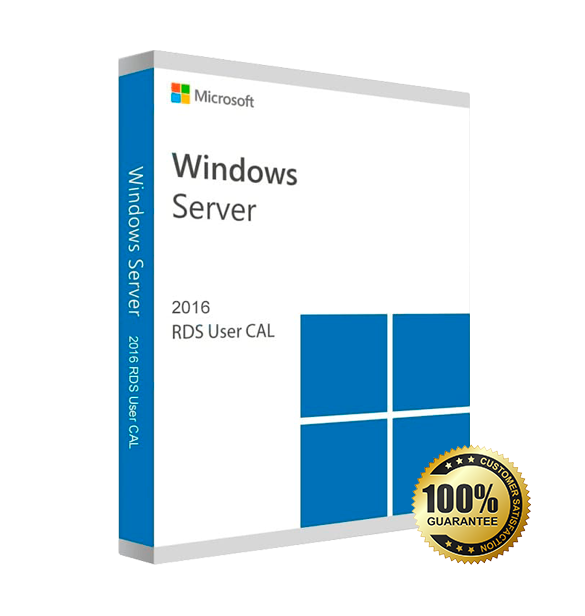

Server 2016 Remote Desktop Server CAL User/ Device CAL
√ Remote Desktop Services Client Access License Key Only, You need to have a licensed Windows Server to use with this RDS Client Access License. We also have license for Windows Server in stock.
√ License Key will supports Server 2016
√ License Key will be delivery via email within 0-5 hours even on weekend or holidays
License your RDS deployments with Device or User Client Access Licenses
Each user or device accessing a licensed Windows Server requires a Windows Server and a Remote Desktop Services (RDS) CAL.
√ With a Device CAL for Windows Server 2016, you purchase a CAL for every device that accesses your server, regardless of the number of users who use that device to access the server. Device CALs may make more economic and administrative sense if your company has workers who share devices, for example, on different work shifts.
√ With the User CAL for Windows Server 2016, you purchase a CAL for every user who accesses the server to use services such as file storage or printing, regardless of the number of devices they use for that access. Purchasing a User CAL might make more sense if your company’s employees need to have roaming access to the corporate network by using multiple devices, or from unknown devices, or if you simply have more devices than users in your organization.
Learn more about Windows Server 2016 RDS User / Device CAL
Licensing of the terminal server “Per user” or “Per device”.
The ability to use up to 50 simultaneous client connections to your server.
This function requires the Windows Server 2016 product itself Standard or Datacenter, the product key for it is supplied separately.
Which product exactly do you need? Check out the differences between User CAL and Device CAL on next page.
FAQ’s
Q: Will these user CALs work on a retail version Server 2016 on a generic built hardware? A: Yes
Q: Are these CALs academic or bios locked to a specific brand? A: No
Q: Are they retail or open license? A: Retail
Q: Steps by steps to install & activate RDS CALs on the Remote Desktop license server? A: Click here
What will I receive if i purchase Server 2016 RDS CAL ?
– 1 Original Microsoft Activation Code for RDS Server 2016 valid for use on 1 server (25 characters retail license of user/device CAL)
– Quick and easy installation guide
– Free technical support
– Invoice
Server 2016 Remote Desktop Service RDS CAL
License Type | 50 User/Device CALs (Client Access Licenses) for Remote Desktop Services (RDS) on Windows Server 2019 |
Compatibility | Compatible with Windows Server 2019 Datacenter, Standard, and Essentials editions |
Access Type | User CALs allow each licensed user to access Remote Desktop sessions from any authorized device Device CALs allow multiple users to access Remote Desktop sessions from one licensed device |
Activation | Online activation required via Microsoft Volume Licensing Service Center (VLSC) or a local RDS License Server |
Network Requirements | Stable Internet connection required for activation and license verification; LAN connectivity for RDS session management |
Supported Clients | Windows, macOS, Linux, iOS, and Android using Microsoft Remote Desktop applications |