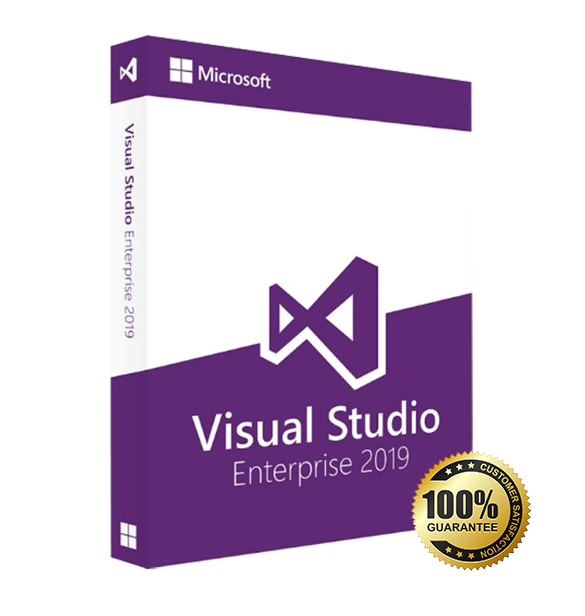
Visual Studio 2019 Enterprise is an IDE for Windows built for enterprises, large teams, and experienced developers who need advanced testing, diagnostics, and governance. Your purchase includes a lifetime license with digital delivery.
Overview of Microsoft Visual Studio 2019 Enterprise
Platform: Windows 10/11 (32/64-bit)
Edition: Enterprise
License Type: Retail
Devices: 1 device
License Duration: Lifetime
Activation Method: Online activation
Delivery: Instant digital delivery via email
Support: Email and remote assistance
Language Support: Multi-language
What Is Microsoft Visual Studio 2019 Enterprise?
Visual Studio 2019 Enterprise is Microsoft’s flagship integrated development environment for building, testing, and releasing mission-critical software at scale. You get enterprise-grade debugging, integrated code coverage and test impact analysis, architecture validation, and native Git/Azure DevOps workflows so you catch defects earlier and ship faster.
If you don’t need the entire enterprise toolset, consider Microsoft Visual Studio 2019 Professional. You can also explore our Engineering Tools & IDEs category for related tools.
Included Features in Microsoft Visual Studio 2019 Enterprise
IntelliTrace & Diagnostics: Historical debugging and performance insights to pinpoint root causes quickly.
Live Unit Testing: See test results and coverage update in real time as you code.
Code Coverage & Test Impact: Measure coverage and prioritize the most impactful tests to prevent regressions.
Architecture Validation: Enforce layering rules and visualize dependencies to keep large solutions healthy.
Microsoft Fakes: Stubs and shims to isolate components and simulate complex dependencies.
New Features in Microsoft Visual Studio 2019 Enterprise
New Start Window & UI: Faster project creation, improved search, and a cleaner interface.
Performance Improvements: Quicker solution load and responsive editing for large codebases.
.NET Core 3.x & modern .NET: Build Windows desktop (WPF/WinForms) and services with current SDKs.
Enhanced C++ Tooling: Better CMake support, modern C++ standards, and faster build diagnostics.
Live Share Collaboration: Pair program and review code in real time without cloning repositories.
What will I receive if I purchase Microsoft Visual Studio 2019 Enterprise?
– 1 Activation Code for Microsoft Visual Studio 2019 Professional valid for use in 1 PC- (Product Key)
– Download link for Visual Studio 2019 Professional
– Quick and easy installation guide
– Free technical support
– Invoice
Visual Studio 2019 Enterprise
Processor | 1.8 GHz or faster processor; Quad-core or better recommended |
RAM | Minimum: 2 GB; Recommended: 8 GB or more (2.5 GB minimum if running on a virtual machine) |
Storage | Minimum of 800 MB up to 210 GB of available space, depending on installed features |
Operating System | Windows 10 version 1703 or later, Windows 11, Windows Server 2016, or Windows Server 2019 |
Graphics | DirectX 9-capable video card with a minimum display resolution of 720p; 1080p or higher recommended |
Display | Minimum resolution 1280 × 720; 1920 × 1080 or higher recommended |
Additional Requirements | .NET Framework 4.5.2 or later; Administrator rights required for installation; Internet access required for updates and online features |
Supported Workloads | Includes workloads for .NET, C++, Python, JavaScript, Node.js, Azure, and data science; additional components may require extra disk space |
Enterprise Features | Advanced debugging, testing, and collaboration tools; integrated Azure DevOps support; enhanced code analysis and architecture validation |