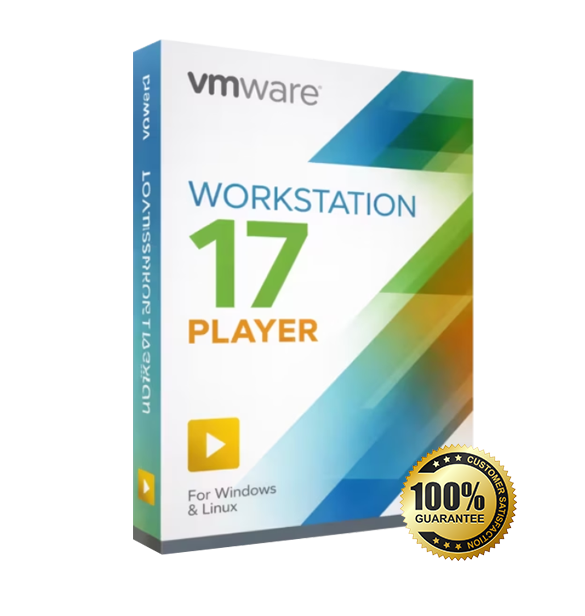
VMware Workstation 17.5 Pro for Windows and Linux is a professional desktop virtualization solution designed for developers, IT professionals, and power users alike. This edition includes a lifetime license with digital delivery.
Overview of VMware Workstation 17.5 Pro
Platform: Windows and Linux (64-bit)
Edition: Pro
License Type: Retail
Devices: 1 / 2 / 3 / 5 / 10 / Unlimited devices
License Duration: Lifetime
Activation Method: Online activation
Delivery: Fast digital delivery via email
Support: Email and remote assistance
Language Support: Multi-language
What Is VMware Workstation 17.5 Pro?
VMware Workstation 17.5 Pro is a professional desktop virtualization platform that lets you run Windows, Linux, and other operating systems as virtual machines on your PC. If you build software, test deployments, study cybersecurity, or manage IT environments, you get a controlled lab on demand—without buying extra hardware.
You can create advanced VM setups (including complex networks and snapshots), clone environments for repeatable testing, and run modern guest OS requirements (including TPM-backed scenarios). If you only need basic single-VM use, consider an alternative edition such as VMware Workstation 17 Player. You can also explore our Virtualization Software category for more VM tools.
Included Features in VMware Workstation 17.5 Pro
Run multiple OS on one PC: Install and use multiple guest operating systems side-by-side for testing and development.
Snapshots & restore points: Roll back instantly when updates, configs, or experiments go wrong.
Advanced virtual networking: Build NAT, bridged, and host-only networks to mirror real infrastructure.
Cloning & templates: Duplicate working VM builds fast to keep environments consistent across projects.
Virtual hardware customization: Fine-tune CPU, RAM, storage, and devices to match real-world targets.
New Features in VMware Workstation 17.5 Pro
Enhanced VM encryption: Stronger encryption workflows help protect virtual machine data and configurations.
Improved vTPM handling: Better support for TPM-enabled VM scenarios and portability considerations.
Automation improvements (vmrun): Expanded command-line control to manage VMs more efficiently in scripts.
Broader OS and hardware compatibility: Updates improve stability and support for newer host/guest combinations.
Usability and reliability refinements: Quality-of-life updates and fixes for a smoother daily VM workflow.
What’s included with my order for Vmware Workstation placed ?
– The license(s) for VMware Workstation you ordered (1 unique license per seat)
– Download link to the setup file
– Clear and complete instructions to download, install, and activate Vmware Workstation
– Invoice
– Free Customer Service.
VMware Workstation 17.5 Pro
Processor | 64-bit x86 processor with at least 2 cores, supporting Intel VT-x/EPT or AMD-V/RVI hardware virtualization |
Memory (RAM) | Minimum 2 GB RAM (8 GB or more recommended for running multiple virtual machines) |
Storage | At least 1.2 GB of available disk space for installation (additional space required for virtual machines) |
Operating System | Windows 10 or Windows 11 (64-bit), or supported 64-bit Linux distributions |
Graphics | DirectX 11 compatible GPU (Windows) or OpenGL 4.3 compatible GPU (Linux) |
Display | Minimum 800 × 600 screen resolution (1920 × 1080 or higher recommended) |
Virtualization | Hardware virtualization must be enabled in BIOS/UEFI |